
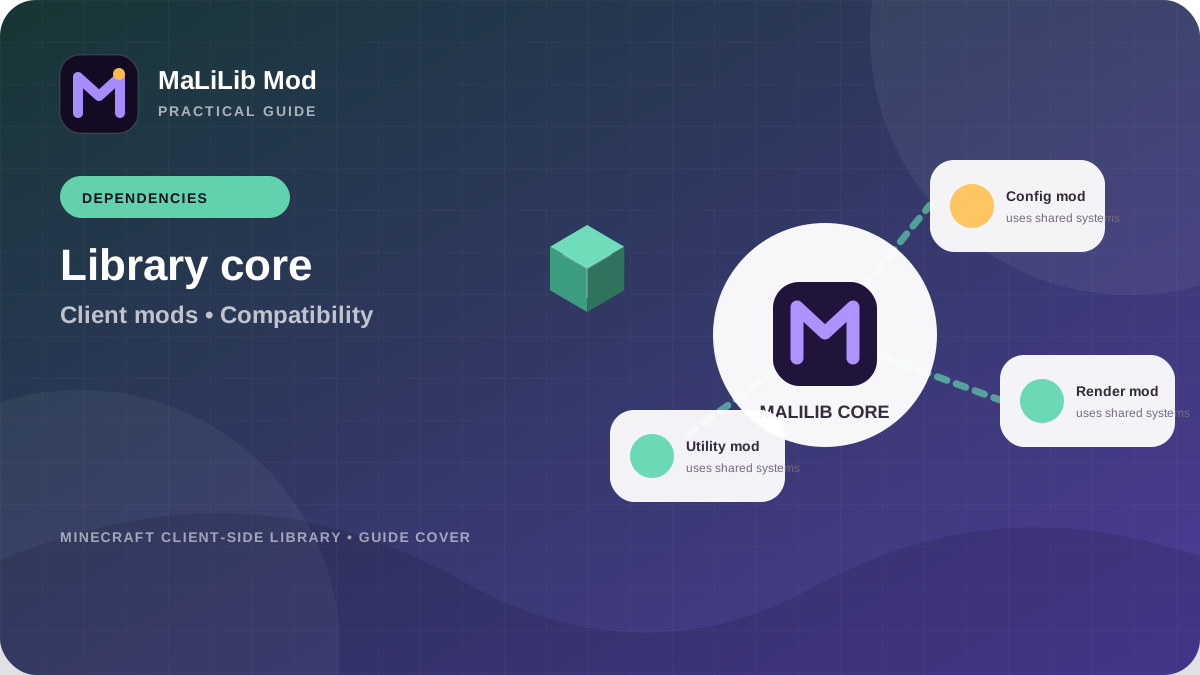
What MaLiLib Mod provides as a library
MaLiLib Mod exists to centralize code that would otherwise be repeated across multiple client-side mods. The original repository describes configuration options, configuration screens, a multi-key capable keybind system and a collection of utility classes and methods. From a player’s perspective, that means MaLiLib can be essential even when it does not add an obvious standalone gameplay feature. Its value appears through the mods that call into those shared systems. A configuration menu, hotkey behavior or rendering utility used by another mod may depend on MaLiLib code being present and compatible.
This design is common in software. A library lets several projects share one implementation instead of maintaining nearly identical copies. The benefit is consistency and reduced duplication, but it creates a dependency relationship: the calling mod expects specific classes, methods and behavior. If the library is missing or too different from what the mod expects, the dependent mod may fail to initialize. Understanding that relationship changes how you troubleshoot. You are not simply asking “is MaLiLib installed?”; you are asking whether the correct MaLiLib generation is installed for this game, loader and dependent mod.
Why client-side mods depend on MaLiLib Mod
Client-side utility mods often need similar infrastructure. They need settings that can be saved, screens that let users edit those settings, keyboard shortcuts that can support more than one key, and helper code for common Minecraft operations. Reusing MaLiLib allows a family of mods to share that foundation. This can make the user experience more consistent because configuration and hotkey concepts behave similarly across related mods. It also lets mod developers focus on the unique behavior of each mod rather than rebuilding the same framework repeatedly.
The dependency can be mandatory or version-sensitive. A mod built against one MaLiLib API may require at least a certain release, or it may be tied to a specific Minecraft branch. That is why copying a MaLiLib JAR from an old profile into a new profile is risky. The file may exist, but the relationship may be wrong. Always read the dependent mod’s current installation notes and compare them with the MaLiLib release tag. Compatibility is a three-way agreement among Minecraft, the library and the mod using the library.
What a missing MaLiLib dependency error means
A missing dependency message is usually one of the clearer errors you can receive. The loader has detected a mod that declares MaLiLib as required, but it cannot find an acceptable MaLiLib installation. First, confirm that a MaLiLib JAR is actually in the mods folder used by the active profile. Launchers with separate instances are a frequent source of confusion: users download the correct file but place it in a different directory. Open the profile settings and verify the game path instead of assuming the global Minecraft folder is active.
Next, confirm that the file in the mods folder is the correct runtime mod file for the profile. Then check that the selected MaLiLib build matches the Minecraft version and loader. Do not work around a missing dependency by editing metadata or renaming files. The loader is reporting a relationship that the dependent mod expects. Satisfy that relationship with the correct MaLiLib build so later code executes in the environment the developer intended.
What a wrong-version dependency error means
A wrong-version error means MaLiLib is present but does not fit the range the dependent mod or loader expects. This is different from a missing file and should be solved differently. Read the entire error message, because it often identifies the installed version and the accepted range. Then compare those values with your Minecraft version. A project issue in the original repository has historically shown exactly this pattern: a MaLiLib build required a particular Minecraft range while the user had a different game version. The important lesson is general—version constraints are evidence, not obstacles to bypass.
Resolve the mismatch from the profile outward. Decide which Minecraft version you intend to run, then obtain compatible versions of the dependent mod and MaLiLib for that target. If you want to keep the current mod version, you may need to change MaLiLib. If you want to keep the current MaLiLib release, you may need a different dependent-mod build. Avoid randomly stepping through old JARs. Use release tags and documentation to make each change deliberate.
Build a clean dependency stack
Think of the profile as a stack. Minecraft sits at the bottom, the loader sits on top of Minecraft, MaLiLib sits in the shared-library layer, and dependent mods sit above it. Every layer needs to match the assumptions of the layer below. When you plan an update, start at the bottom: choose the Minecraft version and loader first. Then choose a MaLiLib build for that environment. Finally choose versions of Litematica, MiniHUD, Tweakeroo or other tools that state compatibility with the same line.
This stack model also tells you what to test. If Minecraft fails before mods initialize, investigate the base or loader. If the loader starts but reports MaLiLib as missing, investigate placement and dependency metadata. If MaLiLib loads but a dependent mod fails later, compare their versions and review the log around that mod. A layered mental model keeps you from changing unrelated networking, graphics or operating-system settings when the evidence already points to a version relationship inside the mod stack.
What happens if you remove MaLiLib Mod
Removing MaLiLib from a profile that has no dependent mods may have little visible effect, but removing it while dependent mods remain will normally prevent those mods from loading correctly. The exact behavior depends on the loader and dependency metadata. Some environments stop with a clear missing-dependency screen; others may produce an initialization error in the log. Either way, the safe approach is to remove the dependent mods first or remove the whole related group together when you are cleaning an instance.
Do not delete configuration files simply because you temporarily remove the library. Keeping configs can make rollback easier if you reinstall the same compatible versions later. At the same time, do not assume old configuration files are always compatible across major rewrites. If a clean test is needed, move configs to a backup location rather than destroying them. That keeps troubleshooting reversible and prevents a configuration reset from becoming another variable mixed into a dependency problem.
Details that make MaLiLib support requests useful
When you ask for help, include the exact Minecraft version, loader and loader version, full MaLiLib filename or release tag, full dependent-mod version, and the relevant log or crash report. State what happened immediately before the error and whether the setup ever worked. If the problem began after an update, identify the last known-good versions. These details let other users and developers distinguish a missing library, a wrong library, a loader mismatch and a genuine code bug.
For developer questions, link the repository and describe which part of MaLiLib you are trying to use. project issue #183 in the original repository is a simple example of a developer asking about using the library for config screens and GUI work. Clear scope helps maintainers answer efficiently. Whether you are a player or developer, the same principle applies: describe the exact relationship between MaLiLib and the component that depends on it instead of treating “MaLiLib” as an isolated black box.